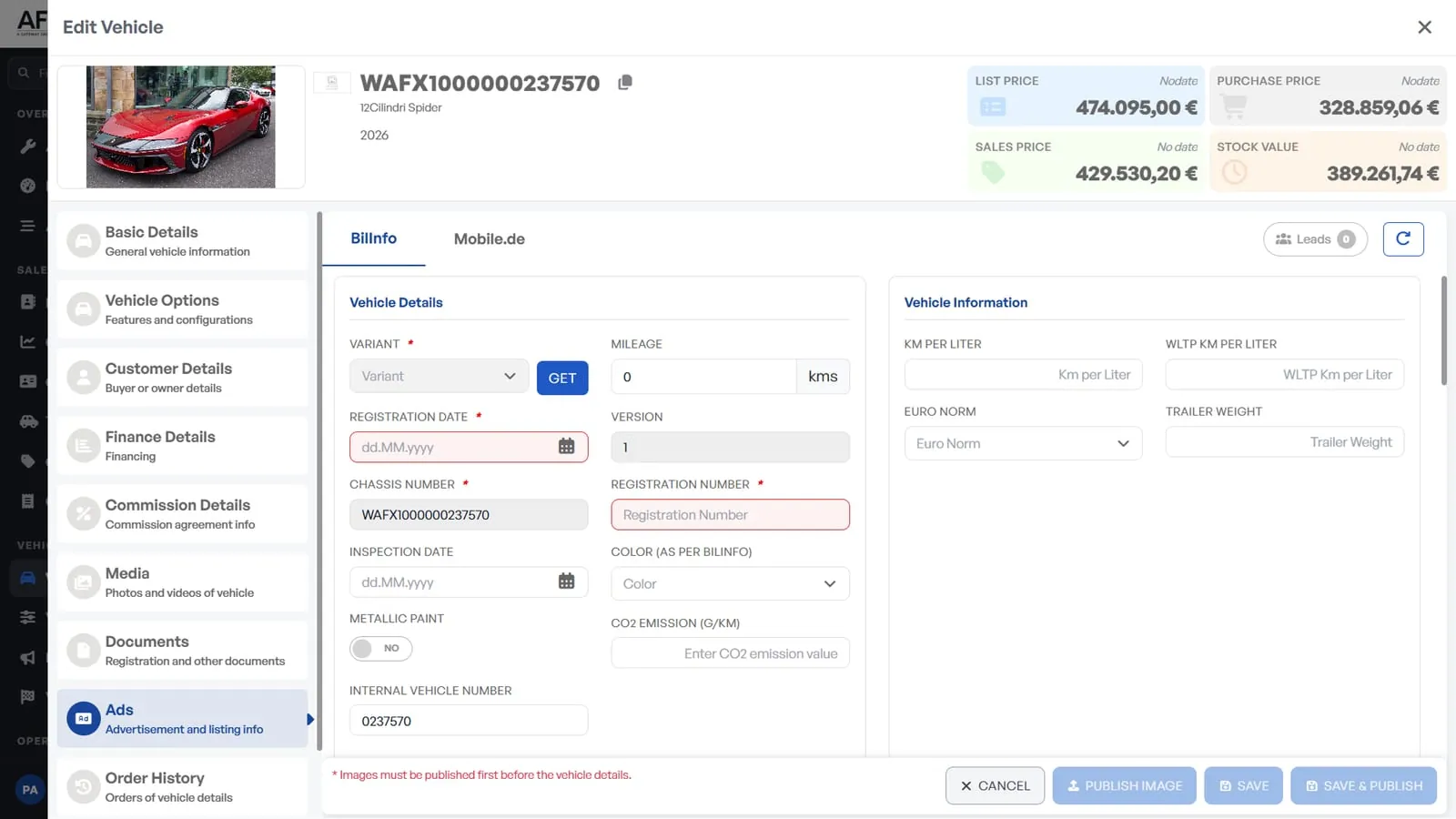
The same vehicle is uploaded again and again
Specifications, images and prices are entered separately for each channel.
More administration for every vehicle advertised

By business
By size
By platform
Find your fit
Tell us what you run and how big it is, and we will show you the platform, the products and the pricing tier that match.
→ Who We ServeThe ecosystem triangle
AF-X is the only platform family present on all three sides.
→ See the triangleData X
One clean record of every vehicle, customer, part and site — held in the region you chose.Intelligence X
The numbers the business runs on, live, with the same definition on every site.AI X
AI inside the product at the point the decision is made — rank, predict, price, draft, answer.Your data. Your workflow. Automotive AI that does the job, not the demo.
→ How AF-X uses your data→ What AI native meansWhere do you want to start?
The claim
The only automotive platform family that runs dealer retail, independent workshops, fleet & mobility, parts distribution and remarketing — on one platform, with one data model.
List once. Keep every marketplace current.
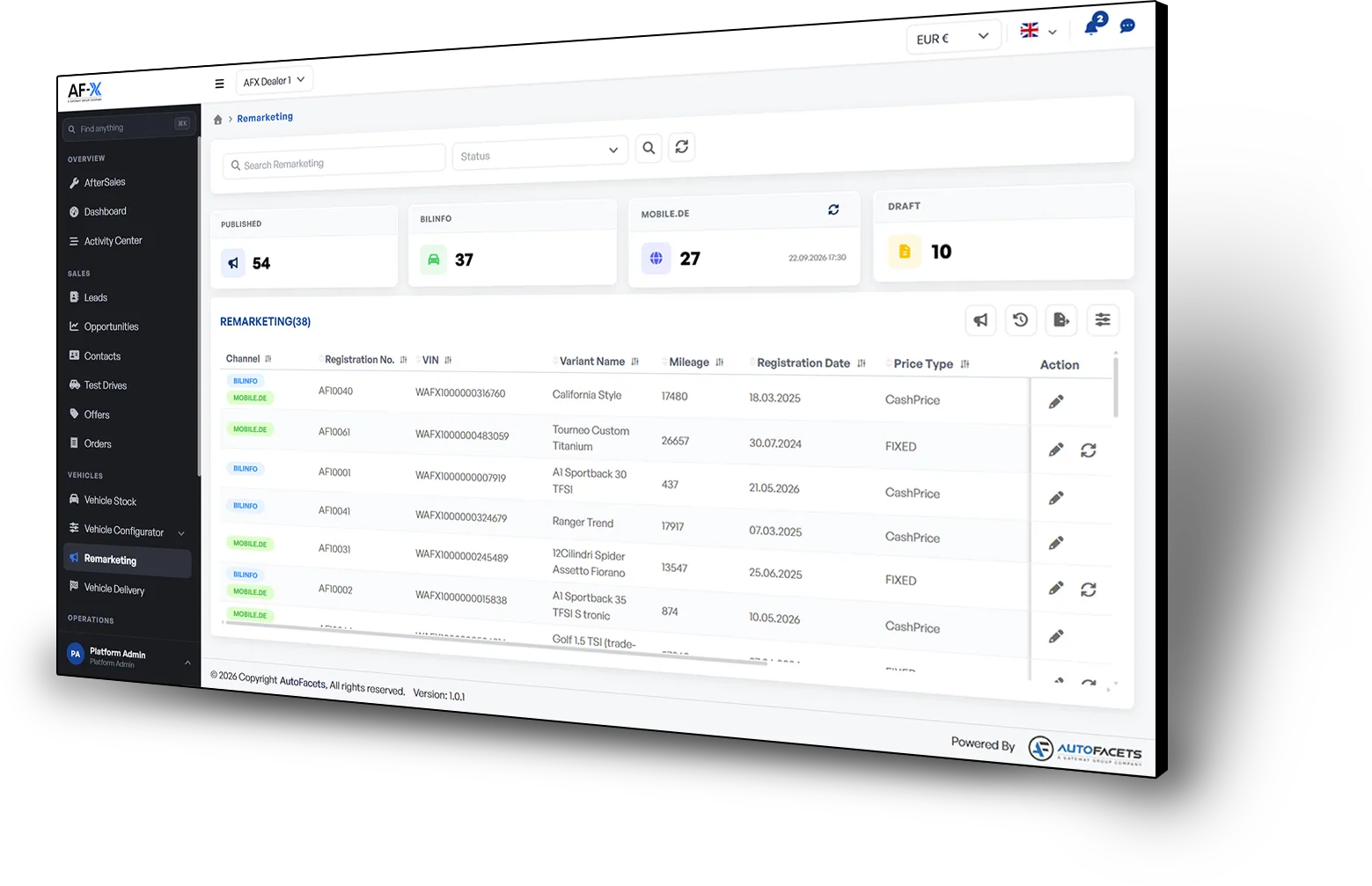
Marketplace Connect exists to move one number: Grow Revenue. Publish accurate vehicle listings to connected external marketplaces, bring each response back with its vehicle context, and measure which channels create sales opportunities.
Three problems, in the words the buyer uses.
Specifications, images and prices are entered separately for each channel.
More administration for every vehicle advertised
Price and availability changes do not reach every channel together.
Customers enquire about vehicles or prices that have changed
Messages must be matched manually to the right vehicle and customer.
Response slows while buying intent is highest
Publish approved vehicle stock to connected external marketplaces, keep supported listing details current, and return every enquiry to the right sales record.
“Built to connect stock, channels and sales.”
A sales manager selects a vehicle and its target channels. Marketplace Connect prepares the listing from the approved vehicle record and publishes it through the configured connections. When a customer responds, the enquiry returns with the vehicle context intact.
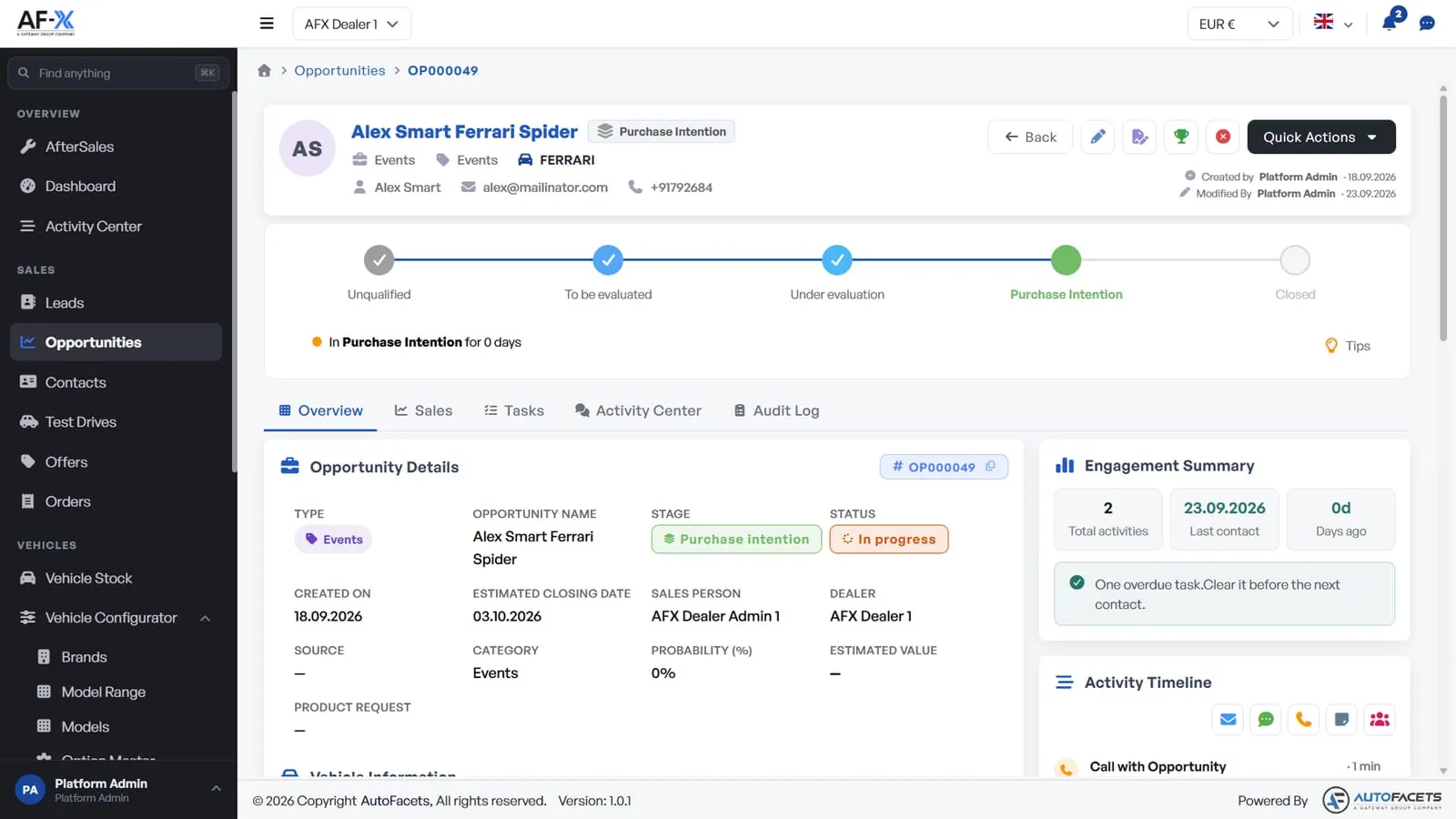
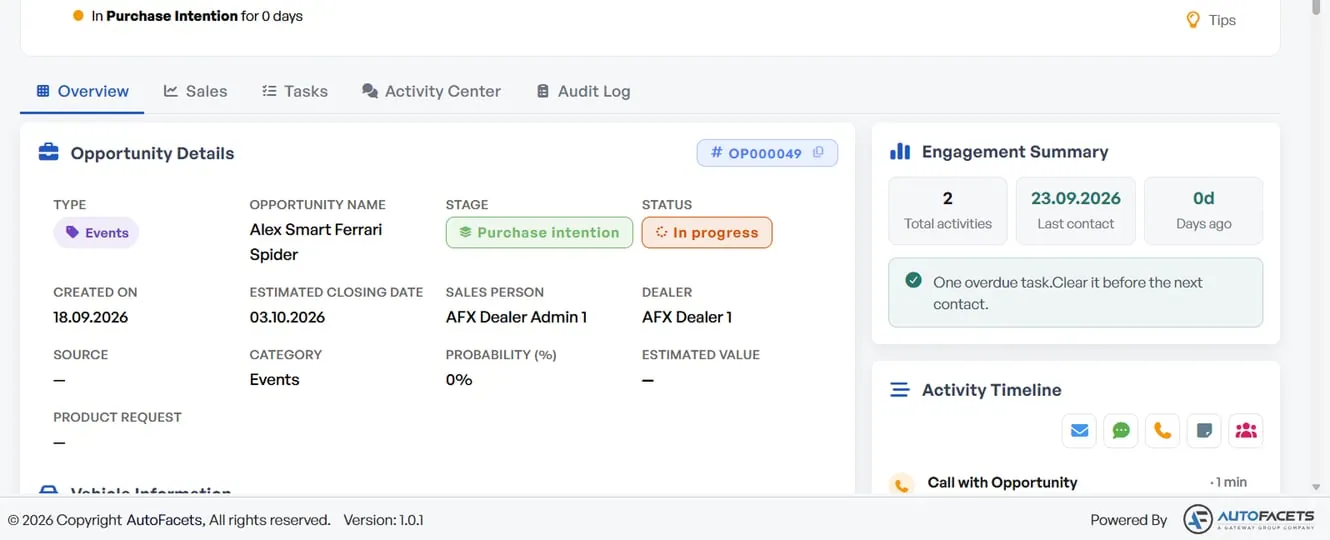
Keep stock, channels and sales connected.
Marketplace Connect takes the approved vehicle record from Retail X, publishes it through configured external marketplace connections and returns each enquiry with the vehicle context intact.
Marketplace Connect works across: